
Customer support becomes difficult when tickets arrive through several channels, ownership is unclear, urgent requests compete with routine questions, and managers cannot see whether service commitments are being met. A help desk should create structure around those problems rather than simply store messages.
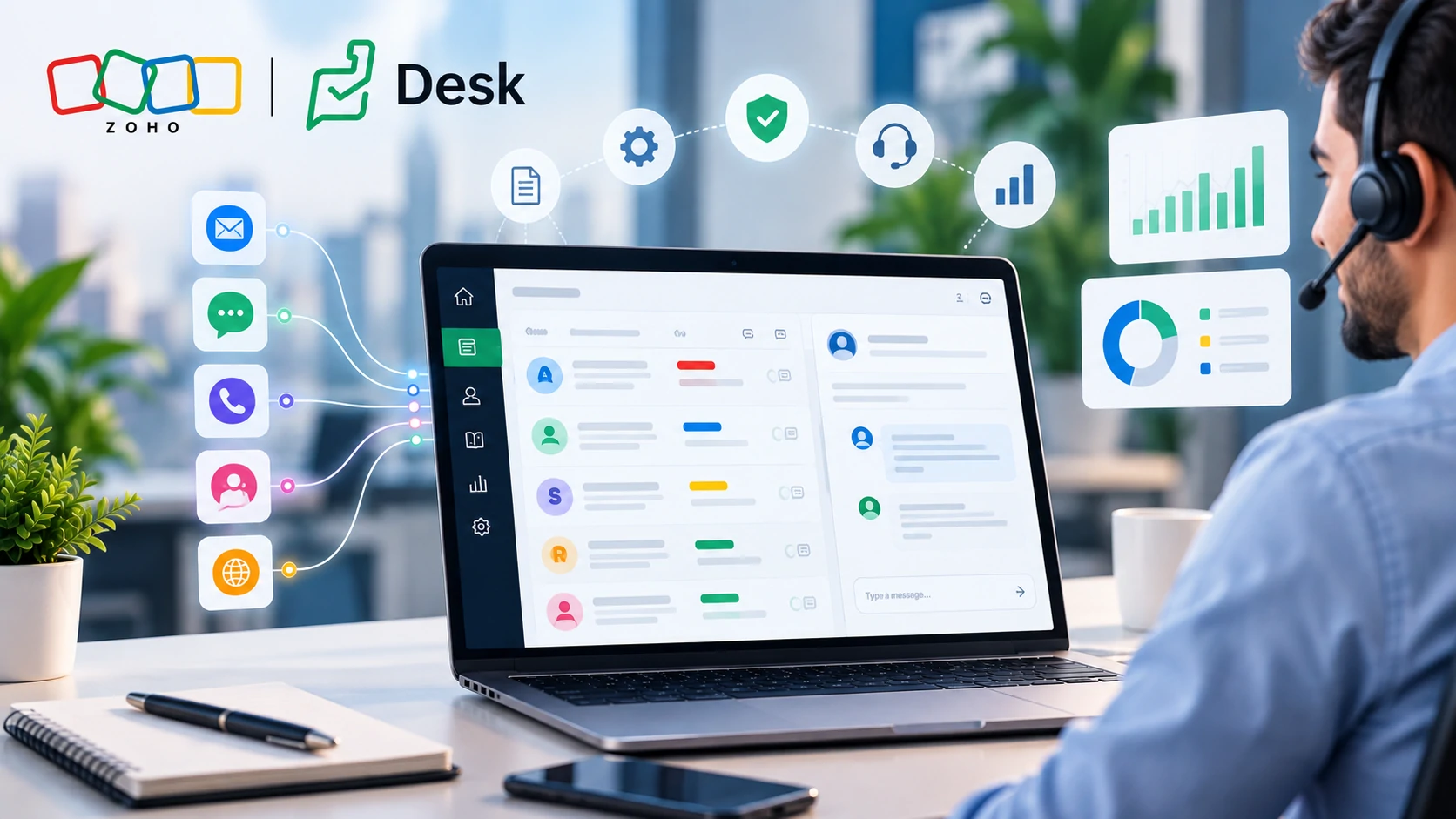
Zoho Desk helps organisations centralise customer requests, assign ownership, apply service level rules, automate repetitive ticket actions, build self service resources and measure support performance from one service environment.
What makes customer support difficult to scale?
A support process that works with 50 tickets per week may become unreliable at 500. Shared inboxes become crowded, several agents may respond to the same issue, high priority customers may wait behind routine questions, and managers may not know where backlog is developing.
The main challenge is usually not ticket volume alone. It is the lack of consistent rules for classification, assignment, response, escalation and closure.
Zoho Desk provides centralised ticketing, multi channel support, workflow automation, SLAs, knowledge management, reporting and AI assisted service capabilities. These features become most valuable when they support a clearly designed service process.
What should a support process define first?
Ownership
Every ticket should have a clear team or agent responsible for moving it towards resolution.
Priority
Urgency should reflect business impact, customer commitment and service context.
Response Targets
The organisation should decide when customers should receive a first response and when different ticket types should be resolved.
Escalation
Teams need clear rules for what happens when a ticket approaches or exceeds an agreed service target.
Map the existing support process before configuring Zoho Desk. Identify ticket sources, responsible departments, priority definitions, response expectations and escalation ownership first. Automating an unclear service process normally creates faster confusion rather than better support.
A practical customer support workflow
How should SLAs be designed in Zoho Desk?
An SLA should represent a real service commitment. Zoho Desk supports response and resolution targets, business hour calculations and escalation actions based on defined conditions.
A critical service interruption should not necessarily have the same response target as a routine information request. A customer with contractual support commitments may also require a different service rule from a general enquiry.
| Ticket Type | Possible Treatment | Why It Matters |
|---|---|---|
| Critical service interruption | High priority with short response and escalation thresholds | Operational impact is high |
| Standard technical issue | Normal support SLA | The issue needs timely handling without emergency treatment |
| General product question | Standard workflow or self service | The request may not require specialist escalation |
| Contract customer request | Customer specific service commitment where configured | Support terms may differ by agreement |
Should every ticket follow the same workflow?
No. Support workflows should reflect the type of request, business impact and team responsible for resolution. Applying one process to billing enquiries, technical incidents, product questions and account changes can create unnecessary steps or weak governance.
For example, a simple password related request may follow a short support path, while a complex integration issue could require technical investigation, internal collaboration and several customer updates.
Where does automation provide the most value?
Automation should remove repetitive administrative work while keeping important service decisions visible to the team.
Automatic Assignment
Route selected tickets according to department, category, product or another approved rule.
Notifications
Notify agents or managers when important ticket events occur.
Escalations
Trigger action when response or resolution commitments approach their limits.
Field Updates
Standardise repetitive ticket updates when clearly defined conditions are met.
Zoho Desk also supports Blueprint for service processes where tickets need to follow defined transitions rather than move freely between statuses.
Does more automation always improve customer support?
No. Automation improves support when the rule is predictable. It can damage the experience when customers with complex or sensitive issues are repeatedly pushed through automated responses instead of reaching the appropriate agent.
A good design automates classification, routing, notifications and repetitive administrative actions while preserving human judgement for exceptions, complaints, complex troubleshooting and commercially sensitive conversations.
How should a knowledge base support the service desk?
A knowledge base should reduce repeated questions while helping customers and agents find accurate answers. It should not become a storage area for outdated documents.
Useful knowledge content often comes directly from recurring tickets. If agents answer the same question dozens of times each month, that pattern may justify a clear article or self service guide.
Review high volume and frequently reopened ticket categories every month. Use those patterns to decide which knowledge articles should be created, improved or retired. This keeps the knowledge base connected to real support demand.
Where does AI fit in Zoho Desk?
Zoho Desk includes Zia, Zoho’s AI assistant for customer service. Current capabilities include ticket and thread summaries, sentiment and tone insights, key topic extraction, field predictions, writing assistance and additional AI supported service functions depending on edition and availability.
AI should support agents rather than become the only decision maker. A generated summary can help an agent understand a long conversation faster, while sentiment information may highlight a customer who requires additional care. Neither removes the need to verify the actual issue and business context.
Common customer support mistakes to avoid
Too Many Urgent Tickets
If every ticket is marked urgent, priority stops helping the team decide what requires attention first.
No Clear Ownership
Shared queues without assignment rules can result in tickets being assumed to belong to somebody else.
SLAs Without Escalation
Knowing that a deadline was missed after the event is less useful than identifying the risk before the breach.
Measuring Closure Only
Closing more tickets does not automatically mean better support if tickets reopen or customers still need assistance.
Automating Poor Responses
A quick automated reply is not valuable if it does not address what the customer actually needs.
Ignoring Recurring Problems
Repeated tickets may indicate a product, process or documentation issue that should be fixed upstream.
What should support managers measure?
Zoho Desk provides reports and dashboards for service metrics including ticket volumes, response and resolution performance, SLA adherence, reopened tickets, backlog conditions and agent activity.
Managers should select metrics that lead to action rather than monitor every available number.
- Open and unassigned tickets
- Overdue tickets
- First response performance
- Resolution time
- SLA violations
- Frequently reopened requests
- Ticket volume by category or channel
- Customer satisfaction indicators where used
- Backlog by team or priority
How does Zoho Desk connect with the wider customer journey?
Customer support does not operate in isolation. Before the sale, Zoho SalesIQ can support website engagement and lead capture, while Zoho CRM manages qualified leads, accounts and sales opportunities.
Zoho Desk becomes more relevant when the relationship moves into structured customer support. Connecting sales and service context can help teams understand the customer relationship instead of treating each ticket as an isolated interaction.
What should businesses define before implementing Zoho Desk?
- Which channels will create tickets?
- Which departments will use the platform?
- How will tickets be categorised?
- What defines each priority level?
- Which SLA targets apply to each service type?
- Who owns escalation?
- Which actions can be automated safely?
- What information must agents capture before closing a ticket?
- Which knowledge articles already exist?
- Which dashboards will managers actually review?
A relevant Tech Wave case study
Yaquoti and a clearer digital service experience
The Yaquoti case study shows how Tech Wave supported Yaquoti in strengthening its digital presence, feature communication, content strategy and search visibility.
This case study is not a Zoho Desk implementation. Its relevance is the wider customer journey. Clear digital information reduces confusion before a customer submits a request, while a structured service platform such as Zoho Desk governs what happens when direct support is required.
You can also explore the complete Tech Wave case study library.
How can Tech Wave support Zoho Desk implementation?
Tech Wave can support service process discovery, solution consultation, department and queue design, SLA planning, routing rules, automation, Blueprint configuration, knowledge base planning, CRM alignment, Zoho Desk implementation, testing, agent training, reporting setup and ongoing technical support.
Frequently Asked Questions
What is Zoho Desk?
Zoho Desk is a customer service platform for ticket management, multi channel support, automation, SLAs, knowledge management, reporting and AI assisted support capabilities.
Can Zoho Desk manage SLAs?
Yes. Zoho Desk supports response and resolution targets, business hour calculations and escalations based on configured conditions.
Can Zoho Desk automate ticket assignment?
Yes. Assignment and workflow rules can route tickets and perform supported actions according to predefined conditions.
Does Zoho Desk include a knowledge base?
Yes. Organisations can publish self service articles so customers and agents can access documented solutions to recurring questions.
What is the difference between Zoho CRM and Zoho Desk?
Zoho CRM focuses mainly on sales relationships, leads and opportunities. Zoho Desk focuses on customer service, ticket ownership, service processes and support performance.
Does Zoho Desk use AI?
Yes. Zia provides AI supported service capabilities including summaries, conversation insights, sentiment and other functions depending on edition and availability.
Build a support process your team can manage with confidence
Organise ticket ownership, SLAs, automation, knowledge management and reporting around the way your support team actually works.
Talk to Tech Wave